Unscreen - Video and Audio Editing Tool
Unscreen
Founded by Canva Austria GmbH
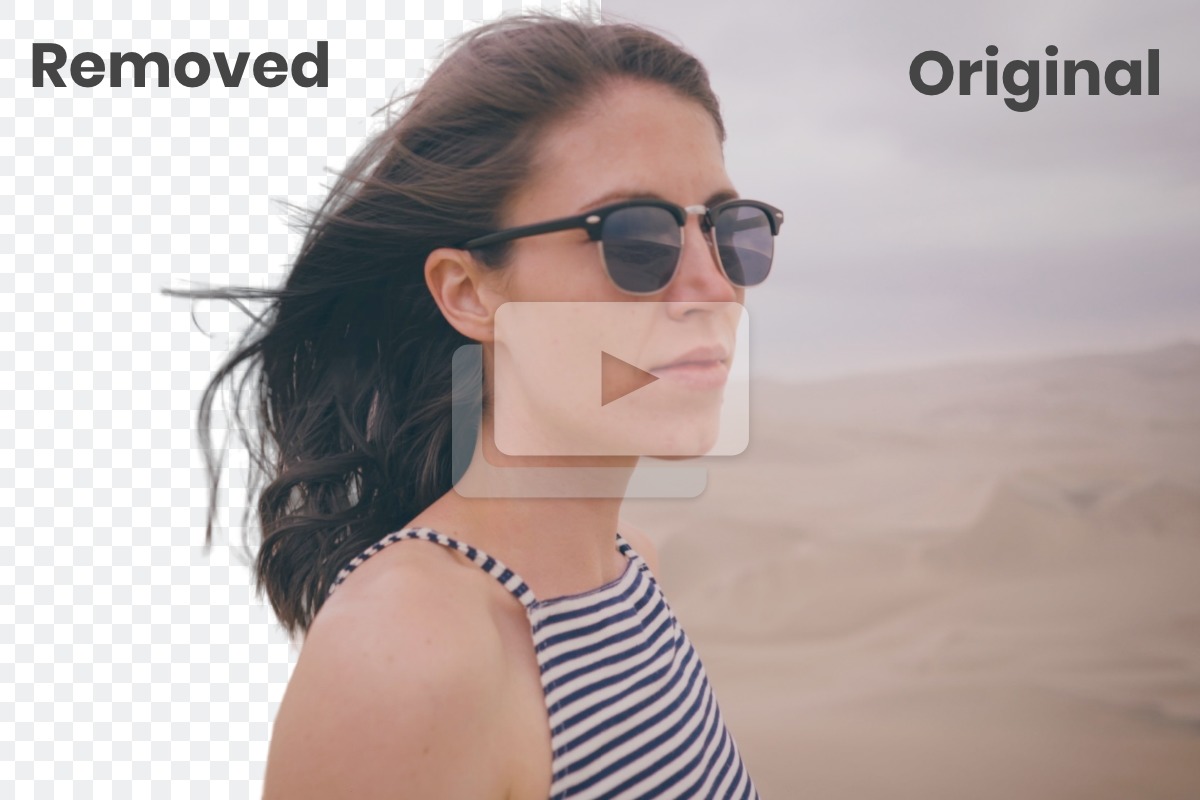
Automatically and effortlessly removes the background from your videos.
Cost
Free, Paid
Rating
★ People love it
Time to value
Immediate
You can use Remove Video Background for seamlessly taking out backgrounds from your video clips without any hassle. With Unscreen's smart AI, say goodbye to green screens, pixel picking, and complex masking. This tool stands out for its simplicity and high accuracy in delivering professional-quality results. It's particularly useful for content creators who need quick edits or marketers looking to refine their video presentations. With support for popular formats like MP4, WEBM, MOV, and GIF, it makes video editing efficient and straightforward.
What Unscreen does
Frequently asked
Want a tailored answer?
See whether Unscreen fits your stack.
Techbible weighs Unscreen against what you already pay for, your team shape, and the work that's actually happening. Free to start.
More in Video and Audio Editing
All tools →.jpeg?alt=media&token=badb81d9-81f7-4755-b387-97d3a0749324)
Filmora
Easy-to-use video editing software for all creators.
.png?alt=media&token=a0b3c5a1-06fe-4059-83cd-3dfe7c7ce3e4)
Vimeo Create
Easily create professional quality videos.

Vidyo.ai
Create short clips from long videos automatically.

iMovie
Create and edit high-quality videos effortlessly.
.jpg?alt=media&token=1f412cfb-eace-4266-a0cf-1c5a04448961)
TechSmith Video Editor
An intuitive video editor for creating polished videos fast.

Biteable
Create engaging videos quickly.

VideoPad Video Editor
An easy-to-use video editing tool for beginners and professionals.

OpenShot Video Editor
Easy-to-use video editor for everyone.